Cartoon Filters: 10 Best Apps and Tools to Cartoonify Your Photos
.webp)
Cartoon filters are everywhere. From TikTok trends to Instagram stories, turning your photos into cartoons has become one of the most popular photo editing activities online.
But not all cartoon filters are created equal. Some produce stunning results, others make you look like a melted wax figure. Here's what actually works.
What Are Cartoon Filters?
Cartoon filters are digital effects that transform photos to look like cartoon illustrations. They work by:
- Simplifying colors into flat areas
- Adding outlines around edges
- Smoothing skin textures
- Adjusting proportions (bigger eyes, smoother features)
Modern AI-powered filters go further, completely re-rendering your photo in a specific art style.
The 10 Best Cartoon Filter Apps in 2026
1. ToonMe
Platform: iOS, Android | Price: Free (premium $5/month)
The most popular dedicated cartoon filter app. Offers multiple cartoon styles including Disney, Pixar, and comic book.
Best for: Quick, high-quality cartoon selfies
2. Voilà AI Artist
Platform: iOS, Android | Price: Free (premium $3/week)
Creates cartoon, renaissance, and caricature versions of your photos. Known for smooth, detailed results.
Best for: Variety of art styles beyond just cartoons
3. Snapchat Cartoon Filter
Platform: iOS, Android | Price: Free
Snapchat's built-in cartoon lens transforms your face in real-time. Fun for video content too.
Best for: Quick fun, video content, stories
4. Instagram Cartoon Effects
Platform: iOS, Android | Price: Free
Third-party AR effects on Instagram offer various cartoon transformations.
Best for: Sharing directly to Instagram stories
5. Prisma
Platform: iOS, Android | Price: Free (premium $8/month)
Artistic filters inspired by famous artists. Not strictly "cartoon" but creates stunning illustrated effects.
Best for: Artistic, painterly cartoon effects
6. Picsart
Platform: iOS, Android, Web | Price: Free (premium $5/month)
Comprehensive photo editor with cartoon effects, stickers, and AI tools.
Best for: Users who want editing + cartoon filters in one app
7. Meitu
Platform: iOS, Android | Price: Free
Popular in Asia, offers anime-style and cute cartoon filters with beauty adjustments.
Best for: Anime and kawaii-style cartoon effects
8. PhotoLab
Platform: iOS, Android | Price: Free (premium $5/month)
AI-powered filters including cartoon, sketch, and painting effects.
Best for: Variety of artistic effects
9. Clip2Comic
Platform: iOS | Price: $1
Turns photos into comic-book style cartoons with thick outlines and halftone dots.
Best for: Comic book and graphic novel aesthetics
10. Fotor
Platform: Web, iOS, Android | Price: Free (premium $4/month)
Online photo editor with one-click cartoon effects and batch processing.
Best for: Desktop users, batch processing multiple photos
Cartoon Filters vs. Custom Cartoon Art
Here's the honest truth about cartoon filters:
| Feature | Cartoon Filters | Custom Artist Art |
|---|---|---|
| Speed | Instant | 2–7 days |
| Cost | Free–$10/month | $30–$100+ |
| Uniqueness | Low (same filter = same look) | High (one-of-a-kind) |
| Quality | Medium | Very high |
| Printable | Usually no (low resolution) | Yes (poster, canvas, frame) |
| Gift-worthy | No | Absolutely |
| Personality capture | Basic | Excellent |
| Style accuracy | Approximate | Authentic |
When Filters Are Enough
- Quick social media posts
- Experimenting with styles
- Fun with friends
- Temporary profile pictures
When You Need Custom Art
- Professional profile pictures
- Gifts for someone special
- Prints, posters, or canvases
- Permanent branding
- When you want something truly unique
How to Get the Most from Cartoon Filters
Tip 1: Start with a Great Photo
Filters work best on well-lit, clear, front-facing photos. Blurry or dark photos produce bad results.
Tip 2: Try Multiple Apps
Each app produces different results. Try the same photo across 3–4 apps to find your favorite.
Tip 3: Adjust Settings
Most apps let you tweak intensity, color, and detail. Don't just use the default — experiment.
Tip 4: Combine Filters
Use one app for the cartoon effect, then another for color correction or touch-ups.
Tip 5: Know the Limitations
Filters can't handle group photos well, often struggle with unusual angles, and produce generic results. For anything important, go custom.
Beyond Filters: Get a Real Cartoon Portrait
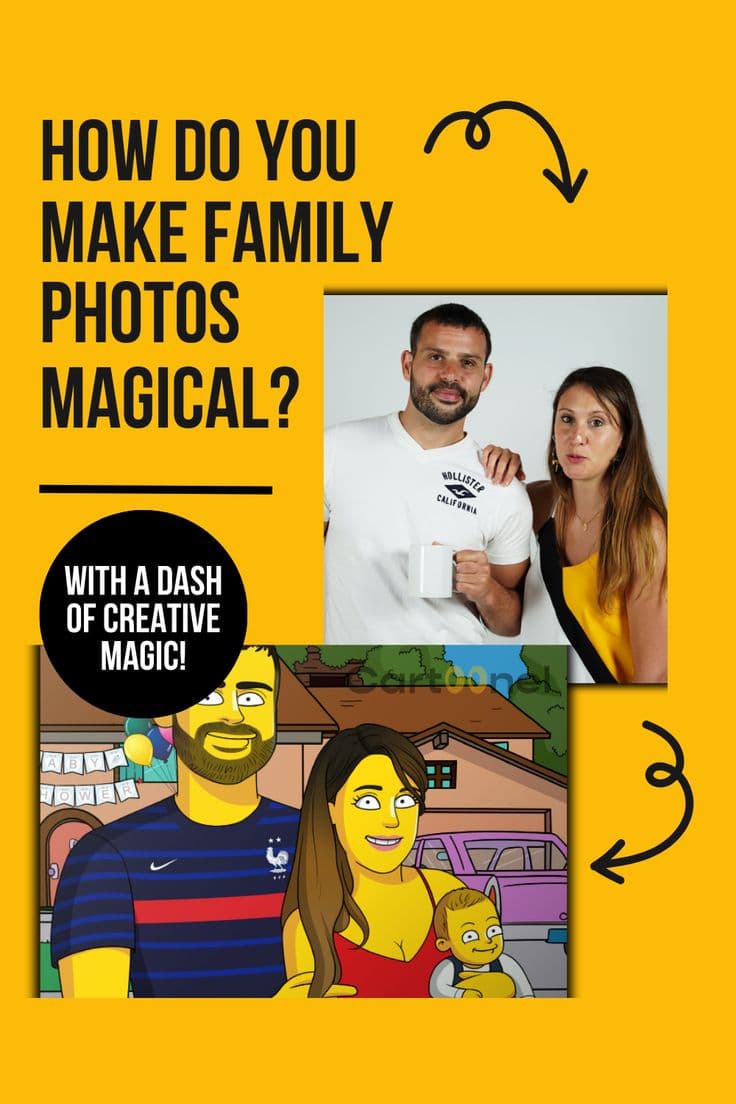
Cartoon filters are fun for quick posts, but if you want a cartoon version of yourself that truly captures who you are, nothing beats a hand-drawn portrait by a real artist.
At Cartoonely, our artists create custom cartoon portraits in 180+ styles — from Disney and anime to comic book and caricature.
Frequently Asked Questions
What's the best free cartoon filter?
Snapchat's cartoon lens and ToonMe's free tier are the best free options for quick cartoon transformations.
Do cartoon filters work on group photos?
Most struggle with multiple faces. For group cartoon portraits, a professional artist service is recommended.
Are cartoon filter apps safe to use?
Most major apps are safe, but always check privacy policies. Some upload your photos to cloud servers for processing. If privacy is a concern, use offline-capable apps or commission a human artist.
Can I print a cartoon filter photo?
Usually no — filter results are low resolution and often have watermarks. For printable cartoon art, you need high-resolution custom artwork.
Ready for More Than a Filter?
Explore our custom cartoon portrait styles and get artwork that's truly worth framing.
Related reads: